Viewing positions
Map the nearest operator position and the typical viewing range before selecting pixel pitch.
INDOOR COMMUNICATION
A command center display needs to keep detailed dashboards, camera feeds and shared information readable from normal working positions. Pixel pitch, wall resolution, content layout, camera use, front service and room lighting should be planned as one system.
Compare matching systems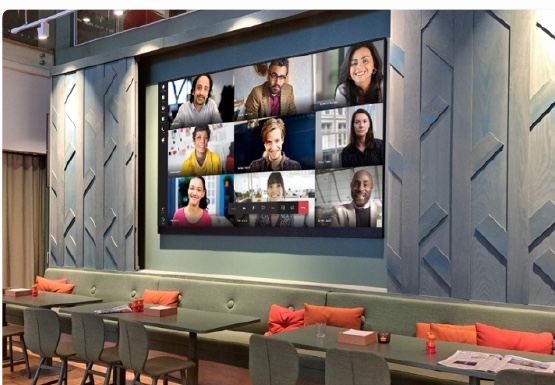
PLANNING PRIORITIES
These points turn a broad application into a useful technical brief. Final cabinet, pitch and system scope are confirmed from the real site information.
Map the nearest operator position and the typical viewing range before selecting pixel pitch.
Use the dashboard, camera and conferencing formats to calculate a useful native wall resolution.
Coordinate module and power access with the wall depth, finishing details and maintenance route.
Review ambient light, camera use, acoustics, ventilation and the required operating schedule.
MATCHED PRODUCT FAMILY
Start with the room drawing, nearest viewing position and content resolution. These inputs help define the pixel pitch and cabinet matrix. Service access, controller architecture, calibration and mounting tolerance then determine how the wall will perform as a complete visualization system.
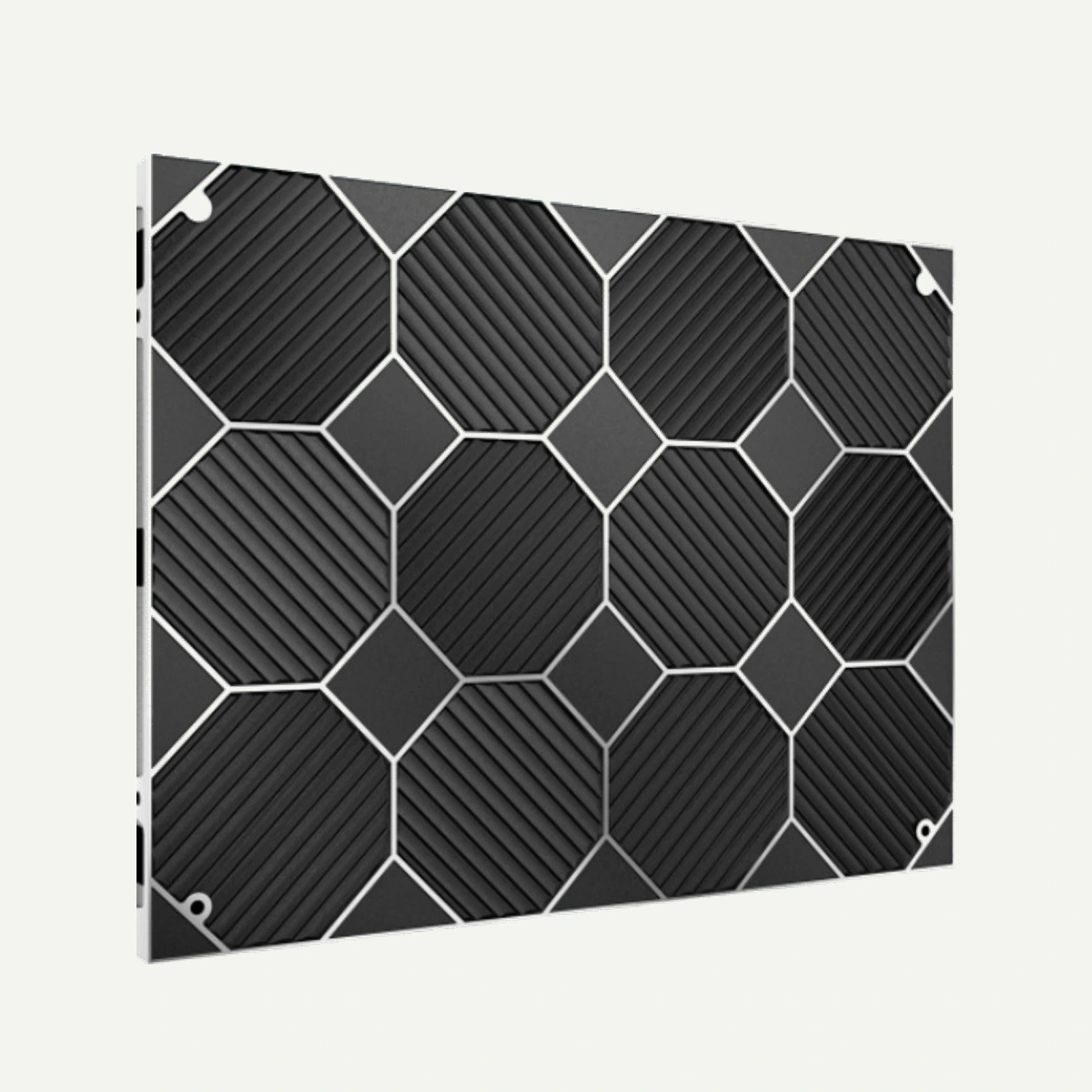
LK-SC is an indoor fine-pitch LED display series for close-viewing spaces. The supplied data shows P1.25 to P2.5 options, a 640 × 480 mm die-casting aluminum cabinet, front service and a 3840 Hz refresh rate.
View system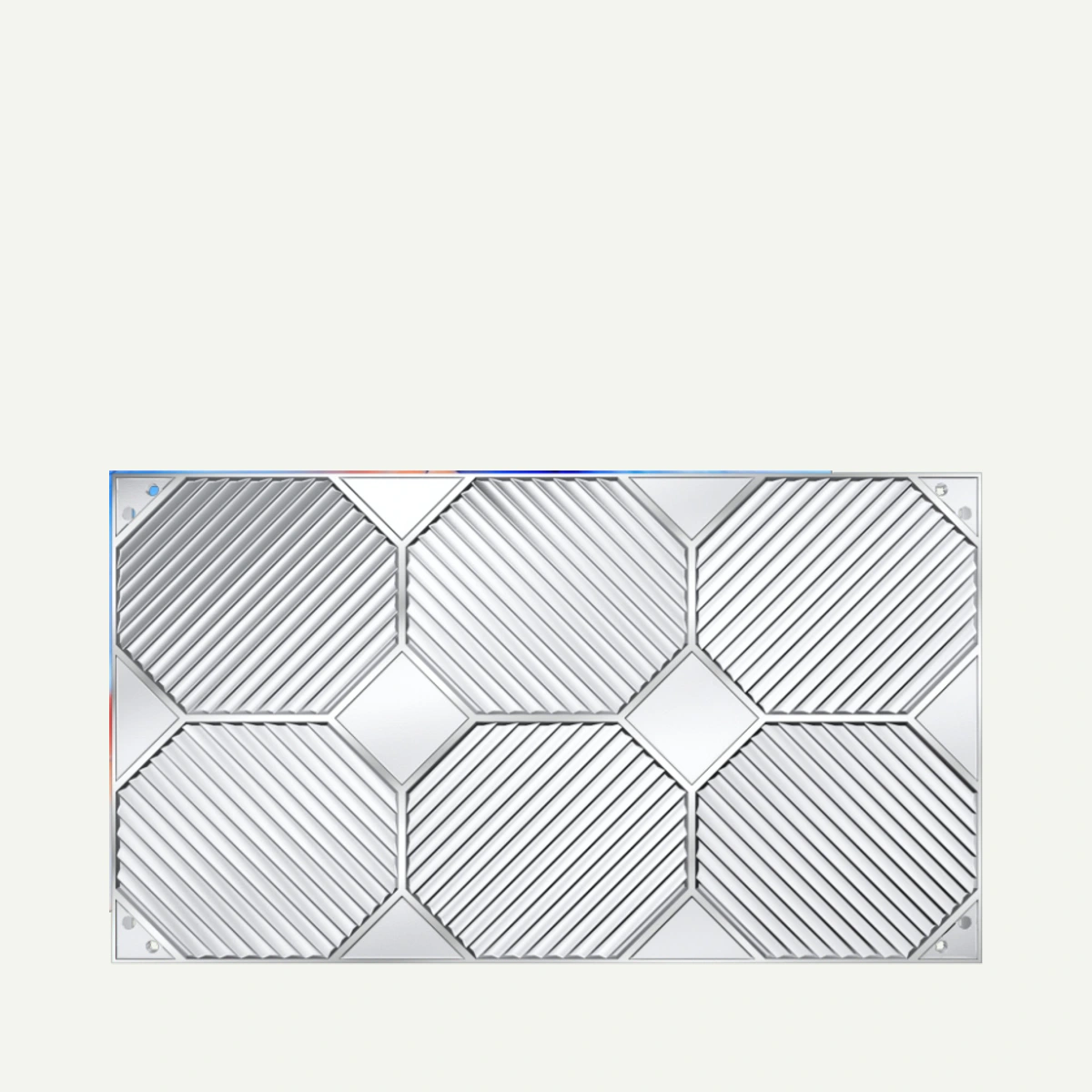
LK-SD is an indoor ultra-fine-pitch LED display series for close viewing. The supplied configuration shows P0.93, P1.25, P1.56 and P1.87 options, a 600 × 337.5 mm cabinet, front service and a 3840 Hz refresh rate.
View systemRELATED PLANNING GUIDES
START WITH THE SITE
Share the country, screen size, viewing conditions, preferred pitch and delivery date. Add drawings or photographs by email or WhatsApp when available.
Start a project inquiry